
2-Day Instructor-Led Programme
Learn the fundamentals of supporting macOS devices in workplace environments through mentor-led sessions and practical scenarios. This course focuses on accounts, permissions, updates, and structured troubleshooting within mixed operating system environments.
Duration
2 Days
Price
$1,798
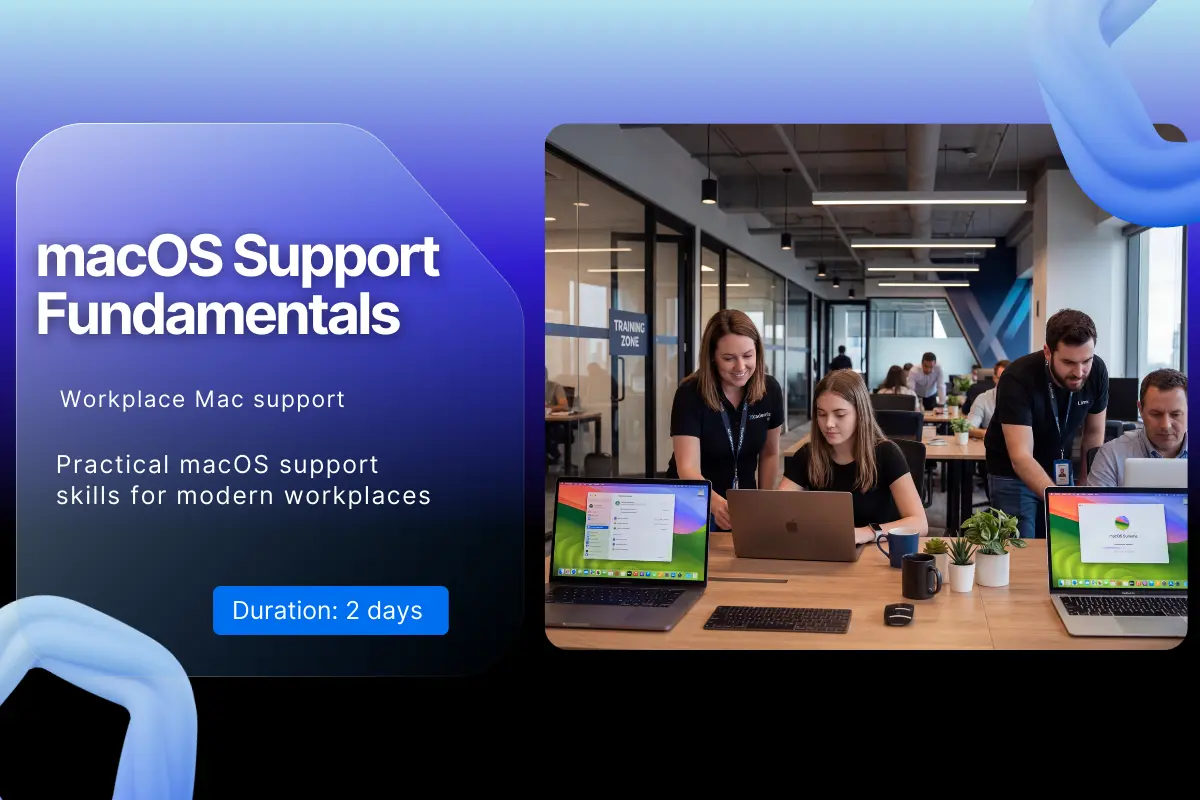
macOS devices are increasingly used in modern workplaces alongside Windows systems. IT support professionals need the practical skills to manage user accounts, handle updates, and troubleshoot issues in mixed operating system environments. This programme provides a structured introduction to supporting macOS devices from a workplace IT support perspective.
Through mentor-led sessions and practical scenarios, learners explore how macOS accounts, permissions, and system settings work in organisational environments. Participants gain hands-on experience navigating the macOS interface, managing users, and performing essential system maintenance tasks.
The course also focuses on structured troubleshooting methods for common workplace issues such as login problems, update failures, application conflicts, and connectivity challenges. By the end of the programme, learners will be able to confidently support macOS systems as part of a modern IT service desk or endpoint support team.
Guided labs using macOS environments to practise account management, update handling, and troubleshooting scenarios.
Experienced mentors guide learners through real workplace support cases and macOS diagnostic workflows.
Practical macOS support skills required for modern IT helpdesk and endpoint support roles.
Analyse macOS system configuration and structure
Implement user account and permission management
Evaluate macOS update and maintenance strategies
Diagnose common macOS workplace issues
Communicate troubleshooting findings effectively
Design structured workflows for macOS support tasks
Basic understanding of computer operating systems.
Familiarity with general IT support concepts.
Some experience using desktop computers.
Step-by-step learning journey from basics to professional practice
Master these in-demand skills through hands-on practice
A clear view of the roles this programme supports, what typically comes next, and where learners progress over time
Choose the learning format that works best for you and your team
Instructor-Led Training
Join live instructor-led sessions from anywhere. Interactive, engaging, and flexible.
Price per person
Group enrolments and early planning options available.
All prices are exclusive of VAT where applicable. Group enrolments and custom packages available on request.
Not everyone learns best in a group. If you want focused guidance, faster clarity, and confidence you can use on the job, our 1-to-1 Fast-Track Training gives you private, mentor-led support tailored to your experience and goals.
"Many learners choose 1-to-1 when they want understanding, not memorisation."
Everything you need to know about the certification exams
You will receive an Xcademia certificate of completion based on participation and successful completion of labs and scenario simulations.
Credential
On successful completion of macOS Support Fundamentals , learners receive an Xcademia Certificate of Completion. This standalone certificate is issued directly by Xcademia and is aligned with globally recognised frameworks and best practices.
Everything you need to know about this course
Yes. It is designed for learners who already understand basic IT support concepts and want to support macOS devices.
Take the next step in your professional development